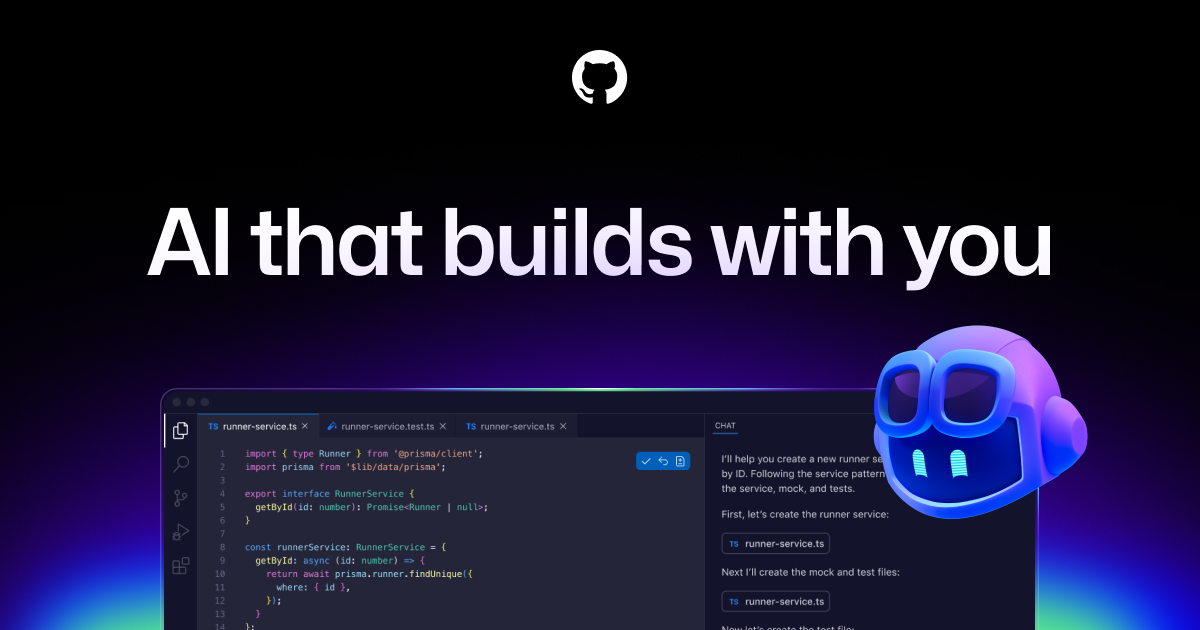
GitHub Copilot started as inline autocomplete and became a whole surface area: completions, chat, multi-file edits, an autonomous agent, and automated pull-request review — inside VS Code, Visual Studio, JetBrains, Neovim, Xcode, the CLI, and on github.com itself. Its real advantage isn't any single feature; it's that the same assistant is present at every point in a GitHub-centric workflow, including the parts that happen after you push.
The four modes, and what each is for
- Code completion — ghost-text as you type. Still the highest-volume, lowest- ceremony value, especially for boilerplate, tests, and repetitive edits.
- Ask — a question about the code in front of you. Read-only; nothing changes.
- Edit — you nominate a working set of files and it applies reviewable edits across them. Bounded and predictable.
- Agent — it decides which files to touch, runs terminal commands and tests, and iterates until the task is done. Highest ceiling, highest need to review.
There is also a coding agent that lives on GitHub rather than your machine: assign it an issue and it opens a pull request with the work, complete with its own session log.
Instructions files: the quality lever
Copilot reads repository instructions and applies them to every request:
.github/copilot-instructions.md— repo-wide conventions.github/instructions/*.instructions.md— path-scoped rules with anapplyToglob, so your React rules don't leak into your SQLAGENTS.md— the cross-vendor instruction file, also honored
Keep them short and testable. "Use pytest, not unittest" changes behavior;
"write high-quality code" does not.
Standout capabilities
- Inline suggestions plus next-edit prediction across your open files
- Custom chat modes and reusable prompt files checked into the repo
- MCP support, so Copilot can reach your issue tracker, database, or internal APIs
- Copilot code review on pull requests, including as a required reviewer
- Model choice across several frontier families on paid tiers
- Copilot in the CLI, plus Copilot Extensions for third-party tools
- Content-exclusion settings to keep named paths out of context entirely
Pricing shape
A Free tier with limited usage; Pro around $10/month with unlimited completions, the cloud agent, and a monthly allowance of AI credits; Pro+ at roughly $39/month for a larger allowance and premium models; a Max individual tier near $100/month for the highest allowance and priority access; Business at about $19 per seat and Enterprise at about $39 per seat, adding a pooled credit budget, centralized policy management, and audit logging. Students and maintainers of popular open-source projects qualify for free access. Verify at github.com/features/copilot/plans — the credit model has been re-cut more than once.
Best for
Teams already standardized on GitHub. The org-level policy controls, seat management, content exclusion, and audit logs are genuinely ahead of the field, and PR review coverage is the piece competitors mostly don't have.
Where it struggles
- Credit accounting is the most common complaint: which action consumes what is not obvious until you watch the meter.
- Agent-mode quality varies by IDE. VS Code gets features first; JetBrains and Visual Studio trail.
- Review noise. Automated PR review comments range from sharp to trivial; tune the instructions file or teams will start ignoring the bot, which is worse than not having it.
Getting started
- Enable it in one repository, not the whole org, and pick one with tests.
- Write
.github/copilot-instructions.mdon day one — five real conventions. - Live in Ask and Edit for a week before you turn the agent loose.
- Add Copilot code review to one repo's PRs and read its comments critically for a sprint before making it a required reviewer.
Worth knowing
Content exclusion is per-repository and applies to context, not to your teammates' memories — it stops files being sent, it doesn't retroactively unlearn anything. Configure it before onboarding a repository with secrets or licensed third-party code in the tree.
No comments yet.