Hypruse
Computer use for Hyprland - MCP server giving AI agents native hands on your Wayland desktop. No ydotool, no root, no portals.
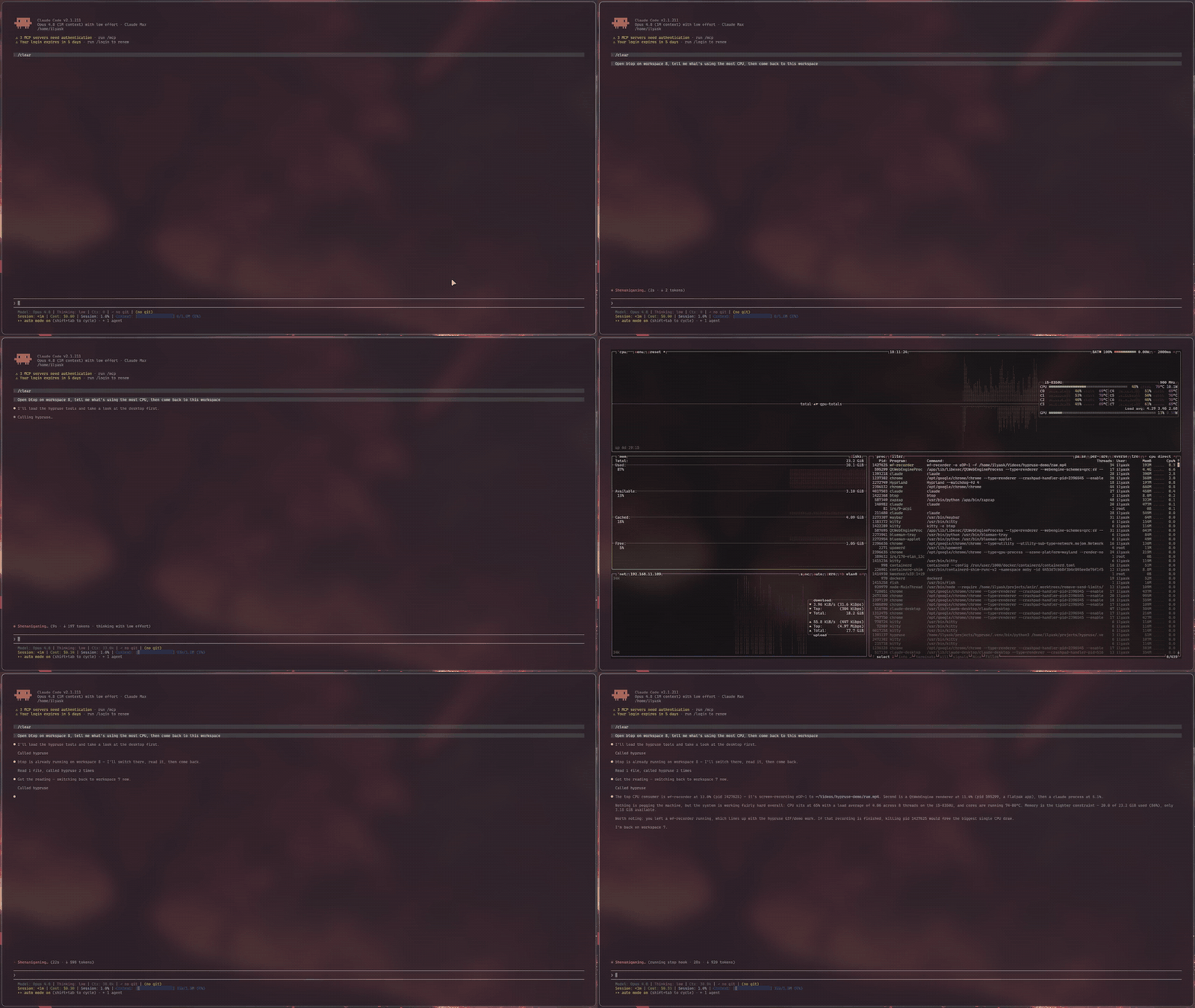
Your AI agent works in apps on its own Hyprland workspaces while you keep working on yours. hypruse is an MCP server, a set of shell verbs and an agent skill that give an agent the desktop you already have: the window tree, screenshots, clicks on controls by name, a mouse and a keyboard. It runs on stock Hyprland and on Omarchy, with no compositor plugin, no root, no portals, no ydotool daemon and no X11.
Quick start
yay -S hypruse    # or: uv tool install hypruse
hypruse init      # registers it with Claude Code, Codex or Claude Desktop (asks first), then runs doctor
Then ask your agent: "Use hypruse to list the windows on each of my workspaces." It answers from Hyprland's own window tree, without a screenshot. When you want it to work out of your sight, ask it to launch an app on its own workspace and do the job there: that is Background mode.
On Omarchy, everything hypruse needs is already installed; On Omarchy covers the one browser flag to set and a safe default for Omarchy's no-prompt agent launcher. If doctor reports a failure, Troubleshooting has the fix for each line. Before you hand an agent your seat, read the Security model.
Den builds its desktop control on hypruse, and hyprvibe and the NUR package it for NixOS.
Why
Computer use exists on macOS and Windows, and the vendors' Linux apps still ship without it: Claude Desktop's Linux docs say computer use is not available there, and ChatGPT's computer use covers macOS and Windows only. Anthropic's reference implementation is an X11 container. Other Wayland tools lean on ydotool and uinput, on GNOME-only portals, or on a compositor plugin built for one exact Hyprland version.
Meanwhile Hyprland already exposes everything an agent needs, better than any accessibility bridge: a complete IPC surface for state and window management, and first-class Wayland protocols for input. hypruse just wires them to MCP:
- Semantic first.
desktopreturns the real window/workspace tree (addresses, classes, titles, geometry) in one call. The agent switches workspaces and focuses windows the way you do (instantly, over IPC), not by squinting at pixels. - Vision when it matters. Screenshots of a monitor, one window (with grim 1.5+ on Hyprland 0.54+, captured as itself even on a hidden workspace or under another window, though a hidden app may show how it last looked), or a zoomed region, with the geometry/scale metadata to map any pixel back to a clickable coordinate: a coarse-to-fine loop grounded in the GUI-agents research.
- Native input. Clicks and scrolls are spoken directly over the Wayland wire (
zwlr_virtual_pointer_v1); typing goes throughwtype's virtual keyboard with a proper XKB keymap, unicode-safe on any layout. - Works beside you. The agent can work in apps on its own workspaces while you keep working on yours. It presses controls through the accessibility tree and types through it or with Hyprland's
sendshortcut, so your cursor, keyboard focus and workspace stay where you left them. Stock Hyprland, no compositor plugin: see Background mode.
Install
From the project's README.