Easel
A headless painting engine for AI agents: brushes, paint load, wet blending, canvas texture.
- Transport
- Not stated
- Package
- —
- Registry id
- io.github.Gemberkoekje/easel
No install snippet on purpose. A working MCP config is a command, its arguments and an environment block — the last two are where API keys live, so this catalogue never stores them and cannot publish them. Follow the link above for the authors' own instructions.
Can an LLM paint with real brush strokes, rather than draw with pixels? Yes — this is the API for it.
Easel is a headless painting engine for AI agents: brushes, paint load, wet blending and canvas texture, driven from Python, from a shell, or over MCP. A brush carries a finite load of paint and runs out along a stroke. Paint lands wet and mixes with what is already there, in a pigment model where blue and yellow make green rather than grey. The canvas has tooth, and a brush low on paint catches only the high points — so dry brush is not a special effect, it is what happens when you run out of paint on rough canvas. Between strokes you look at your own work, which is the whole point: the engine is built for an agent that can see what it just did.
It is not a drawing library, not a rasteriser, and not an image generator — nothing here turns a prompt into a picture. You choose and make every mark. There are no layers, and no undo that costs nothing: you work in passes, and when something is wrong you paint over it.
Read the guide before you paint. The engine is only the brush;
PAINTER.md is the method, and six measured runs say the method
is the half that matters. It ships inside the package, so there is nothing to go and
find: easel guide prints its first page — the whole workflow, about a thousand
words — and easel guide --full prints the rest.
from easel import Session, blob, cell

s = Session(1024, 768, texture="linen", ground="toned_grey", seed=7)
s.palette["shadow"] = s.palette.mix("ultramarine", "burnt_umber", 0.4)

s.block_in(blob(cell("D5")), brush="bristle", color="shadow", density=0.8)
s.look(values=True)                       # check the value structure
s.stroke([(0.2, 0.6), (0.6, 0.55), (0.9, 0.62)], "bristle", "yellow_ochre")
s.export("painting.png")
Paintings, made this way
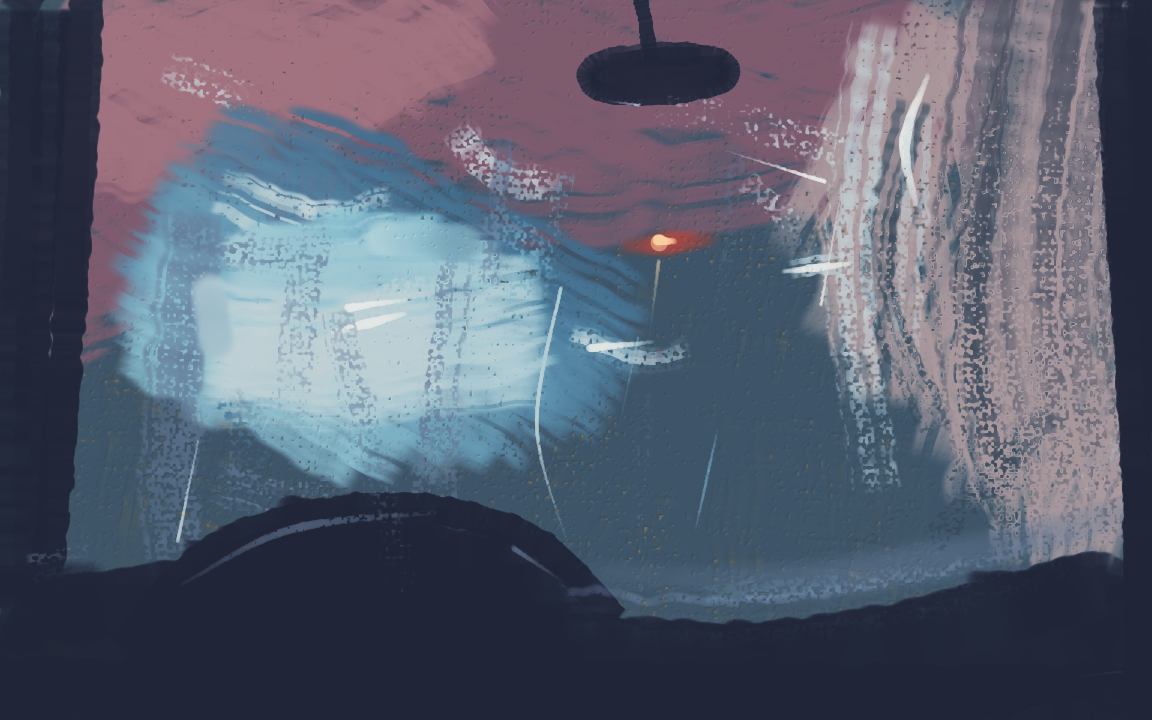
Inside a car wash, from the driver's seat — 206 strokes of a 300 budget, 1152×720 linen, no reference photograph. The nineteen pass scripts beside it reproduce that PNG byte for byte.
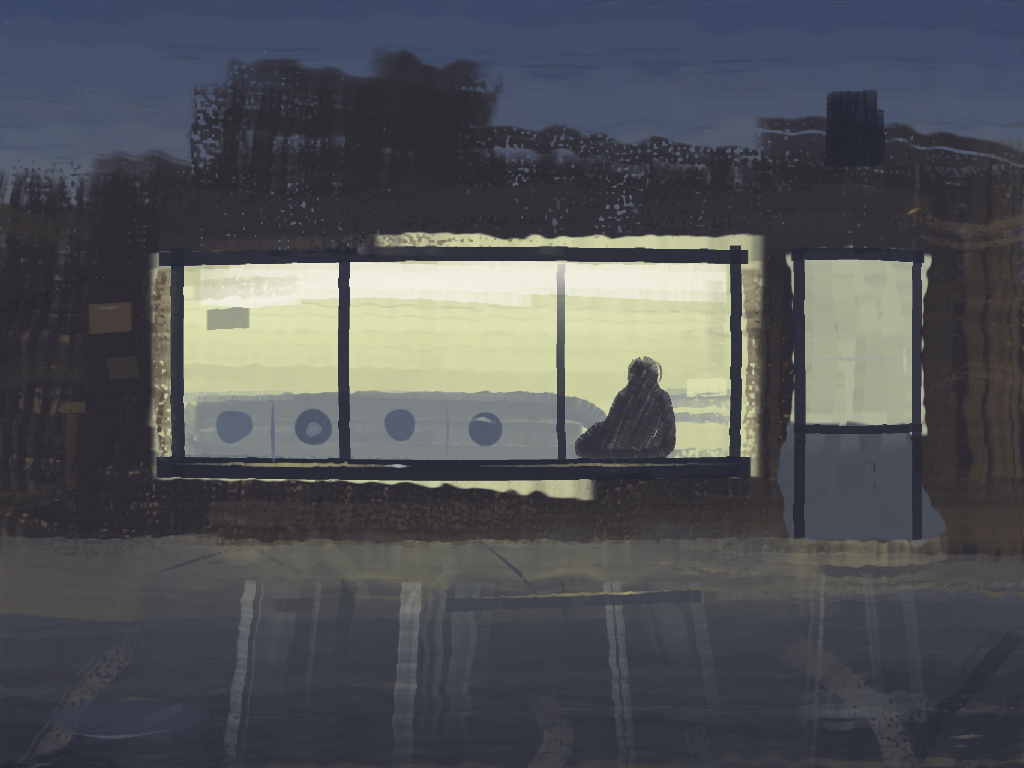
A laundromat at night, from across the street — 286 strokes of a 300 budget, 1024×768 linen, no reference photograph. Fourteen pass scripts beside it reproduce that PNG byte for byte.
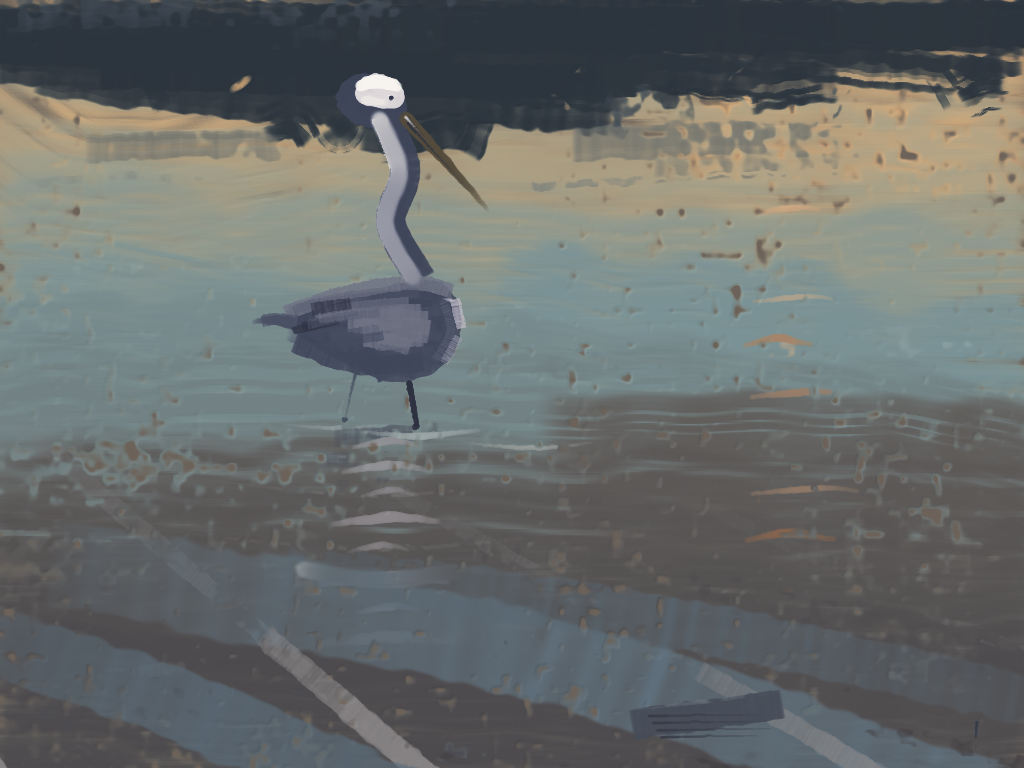
From the project's README.