Call Grokbot
Consult existing Grok Bots from Codex and Claude Code using official Cursor browser login.
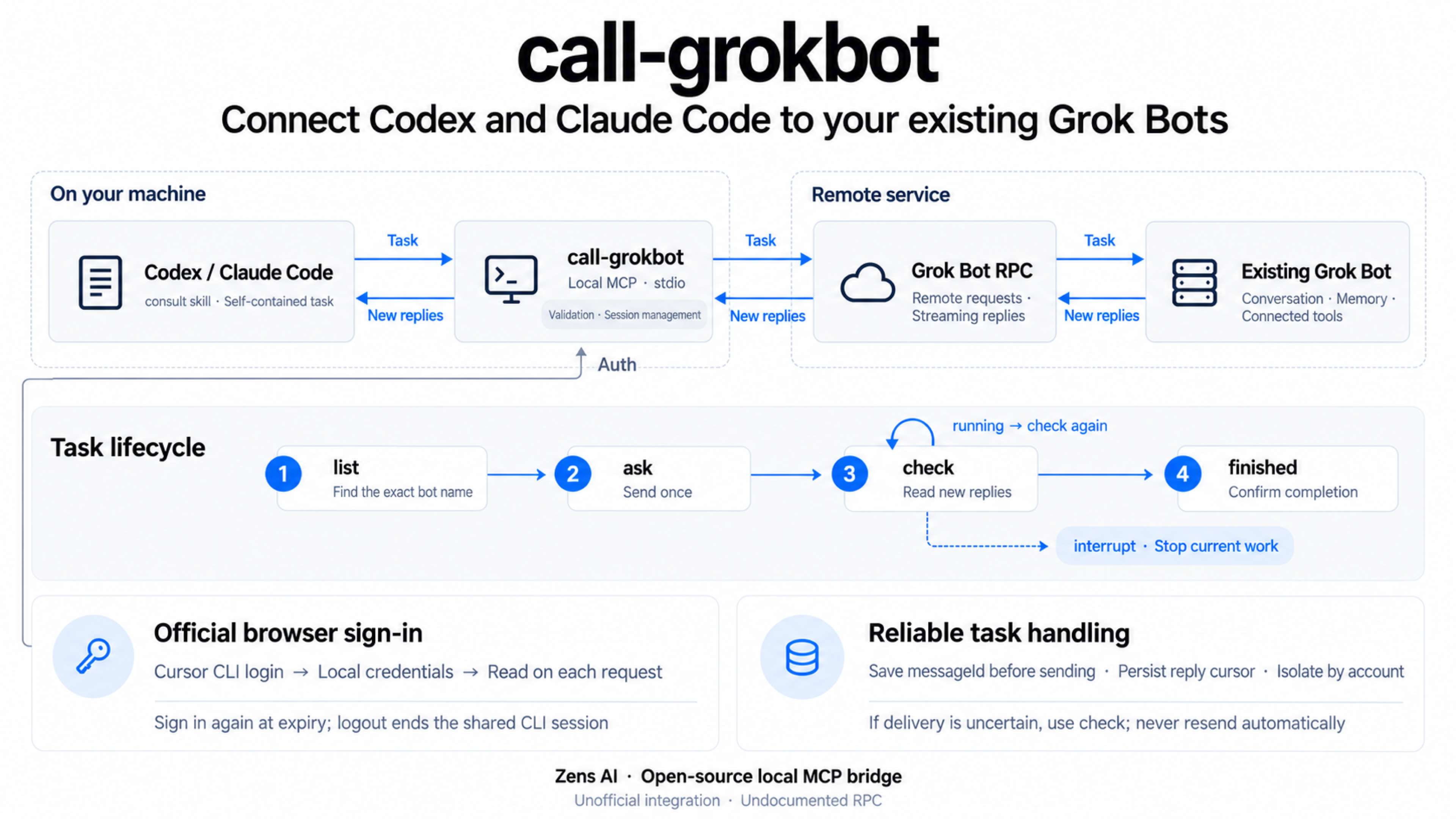
Ask your existing Grok Bots from Codex and Claude Code. A local stdio MCP server sends one self-contained task, reads incremental replies, and can interrupt a contacted bot. Your bot keeps its existing conversation, memory, and connected tools.
Unofficial. Not affiliated with, endorsed by, or supported by Cursor / Anysphere, xAI / Grok, OpenAI, or Anthropic. The Grok Bot RPC is undocumented and may change. No public model-inference endpoint is provided.
English · 日本語 · Español · Português (Brasil) · 简体中文 · 繁體中文
Watch the demo
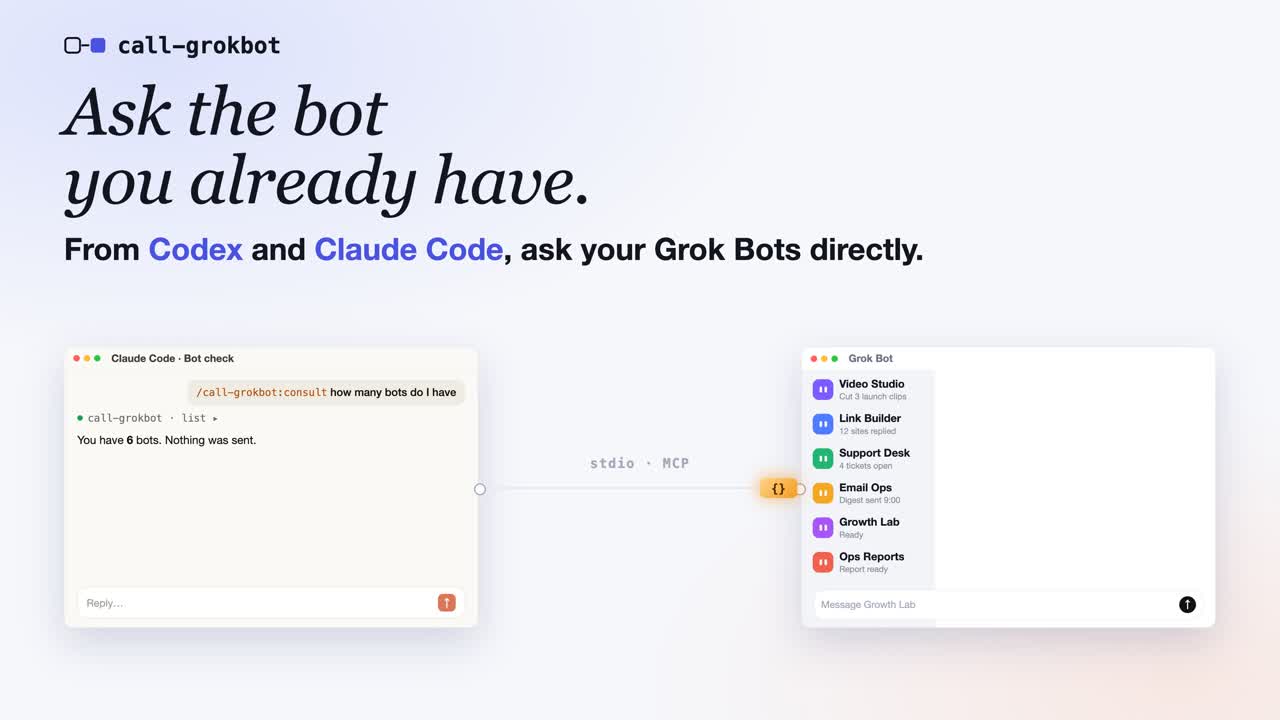
Click the cover to watch the 50-second demo on YouTube (English narration).
How it works
Before you start
- Install Node.js 22.13+, npm, and Git.
- Install and sign in to the client you want to use: Codex or Claude Code. Your coding client's account is separate from the Cursor login below.
- Install the official Cursor CLI.
- Have a Grok Bot account and at least one existing bot. Use the exact bot name shown in your app; this package does not create bots.
Choose the plugin guide for Codex or
Claude Code. Both plugins include the
consult skill and start the MCP server with a pinned npx package. You do
not need a global call-grokbot install, a source checkout, an npm account,
or a personal API key.
macOS browser authentication uses the official CLI's login Keychain entries. Linux and Windows use the official CLI's auth file. Do not copy tokens into MCP configuration. Real-account plugin tests passed on macOS; Linux and Windows have CI coverage, but their real-account login flows have not been verified.
Plugin release 0.1.2 uses npm runtime 0.1.1. Its npx commands
pin the official npm tarball URL, so npm cannot substitute the current
same-name source checkout. This fixes command not found and MCP
CONNECTION_CLOSED inside this repository and also works with an empty cache.
No global package installation is required.
Codex plugin quickstart
1. Install the plugin in your terminal
codex plugin marketplace add ZensHQ/call-grokbot --ref plugin-v0.1.2
codex plugin add call-grokbot@call-grokbot
codex plugin list
Confirm that call-grokbot@call-grokbot is installed and enabled. These are
terminal commands. If your Codex installation does not recognize plugin,
update to a version that supports plugin commands. See the
official Codex plugin documentation.
2. Sign in to the bot account in your terminal
npx --yes https://registry.npmjs.org/call-grokbot/-/call-grokbot-0.1.1.tgz login
npx --yes https://registry.npmjs.org/call-grokbot/-/call-grokbot-0.1.1.tgz doctor
login runs the official Cursor CLI's agent login. In the browser, select
the account that owns your bot and complete any security check. doctor
should report "authenticated": true, "authMode": "browser", and
"cursorCliFound": true, without printing credentials.
3. Open a new Codex session and call the skill
Start Codex from the project you want to work in:
codex
Type this in the Codex conversation, not in your terminal:
$call-grokbot:consult List my existing bots. Do not send any message.
From the project's README.